For the App Store and Google Play

Store screenshots that sell your app

Drop in your screenshots, add headline, device frame and background, and export finished App Store and Google Play images at the exact resolution. No account, no sign-up.

A real store listing, made with HeroPane: see the whole set

From raw screenshots to a finished listing

  1. 1

    Drop in your screenshots

    Straight from the simulator or your phone – the status bar is cleaned up on request.

  2. 2

    Design the set

    Headline, device, background and highlights – once for all screens, fine-tuned per screen.

  3. 3

    Export everything

    Every size the App Store and Google Play ask for – the Play feature graphic included – in every language, as one ZIP.

One project, both stores

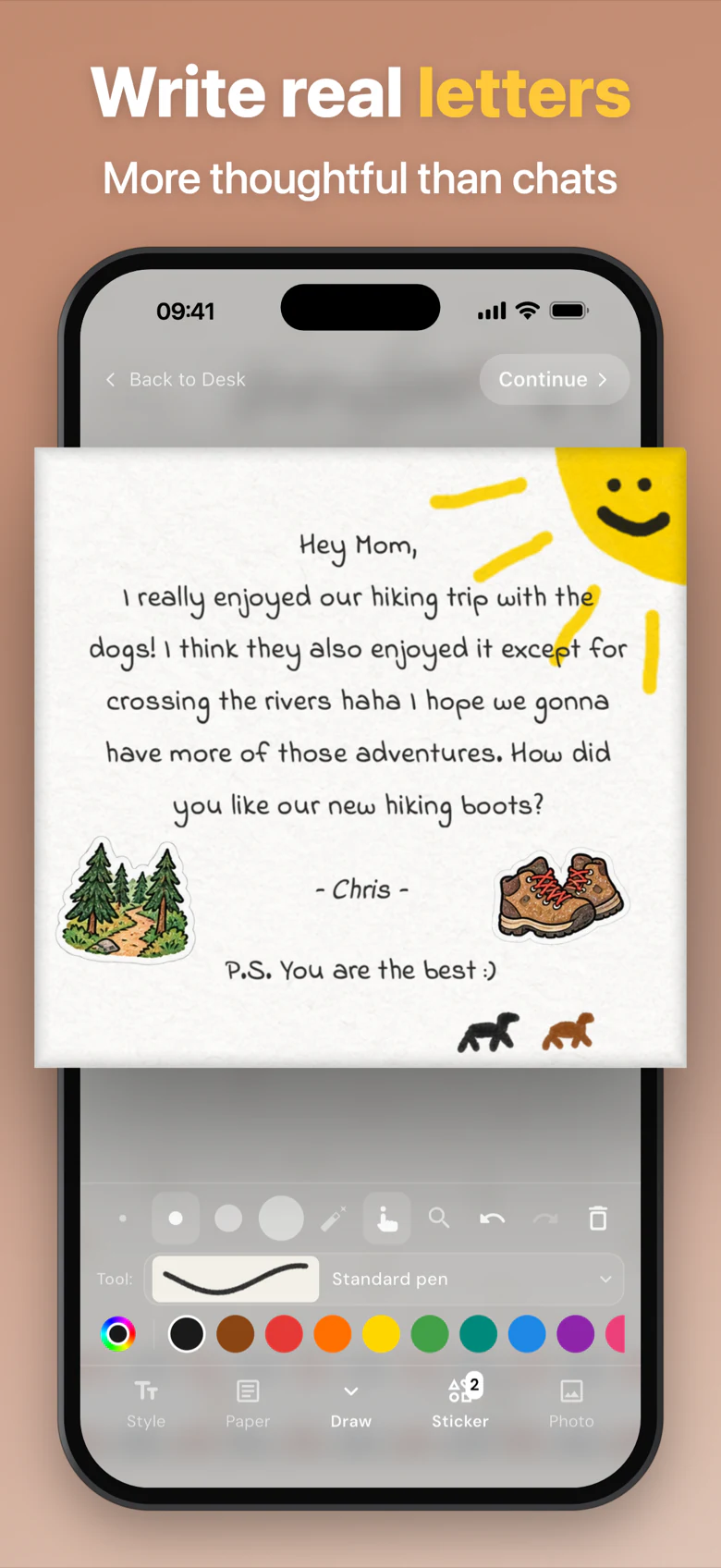
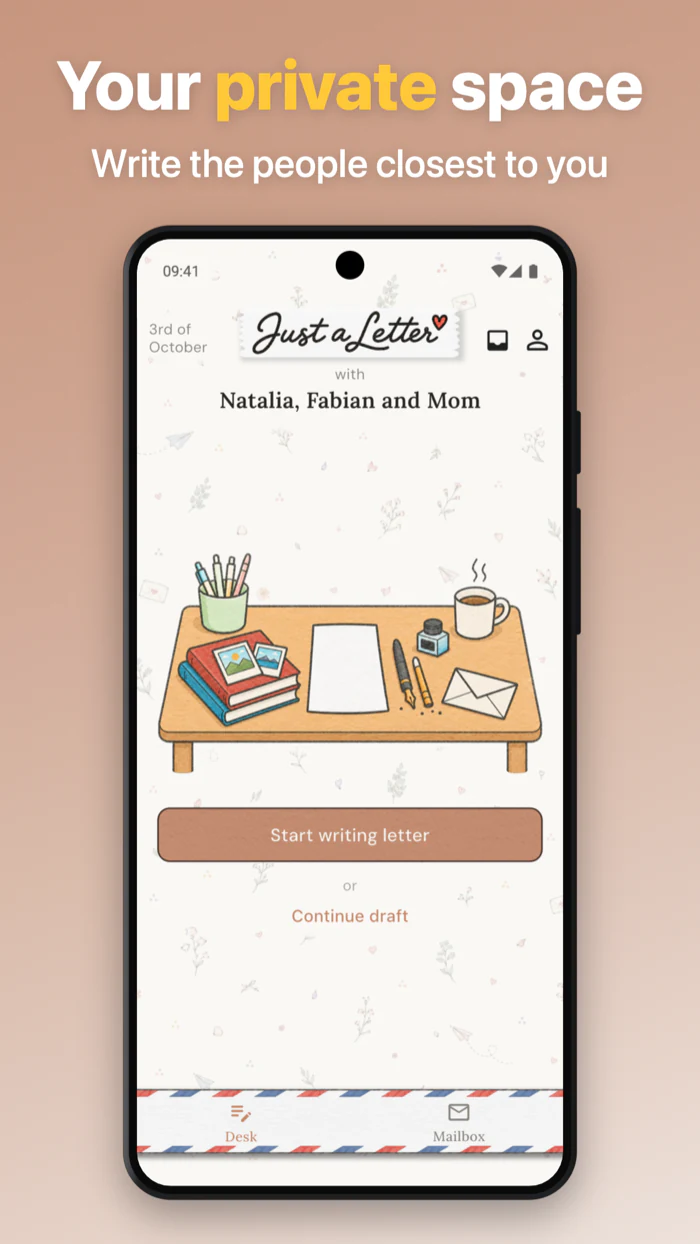
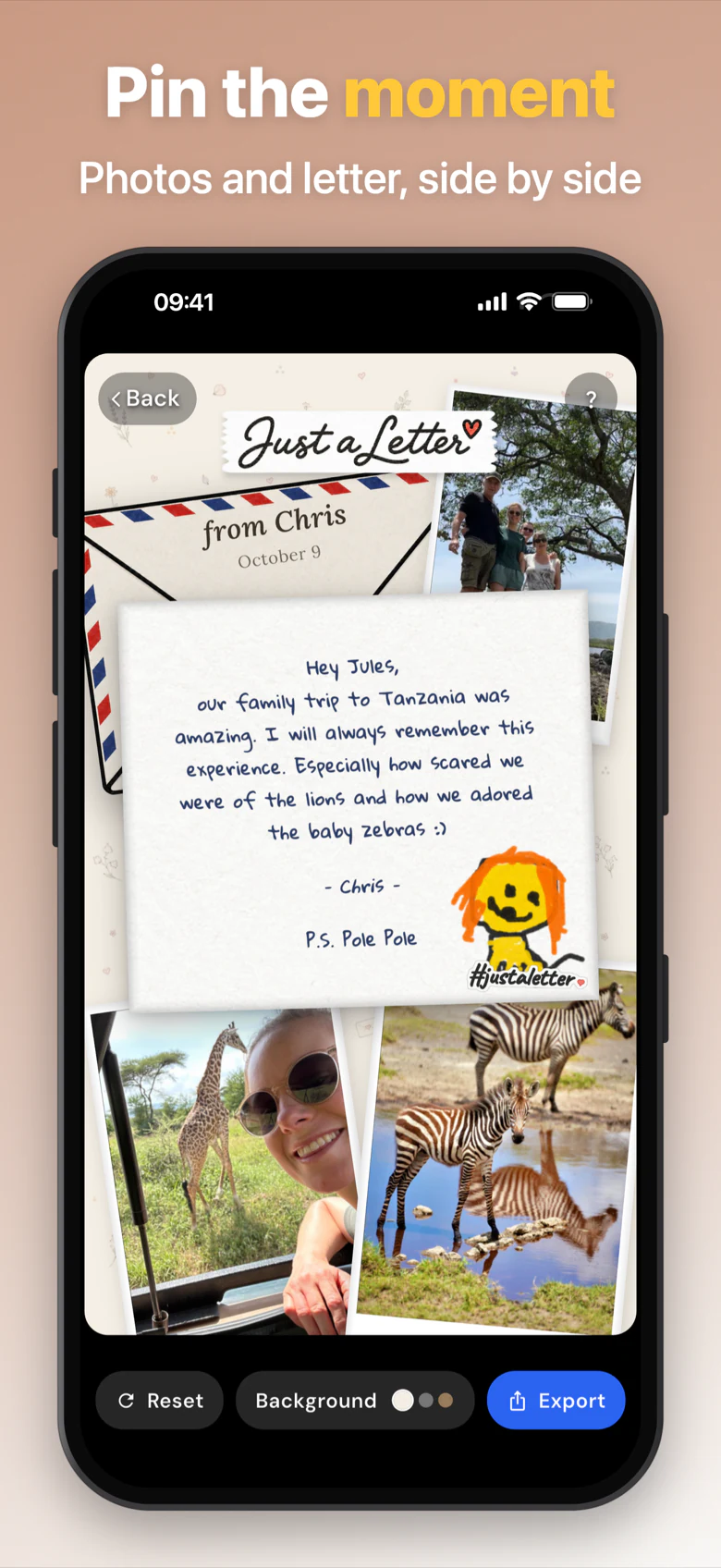
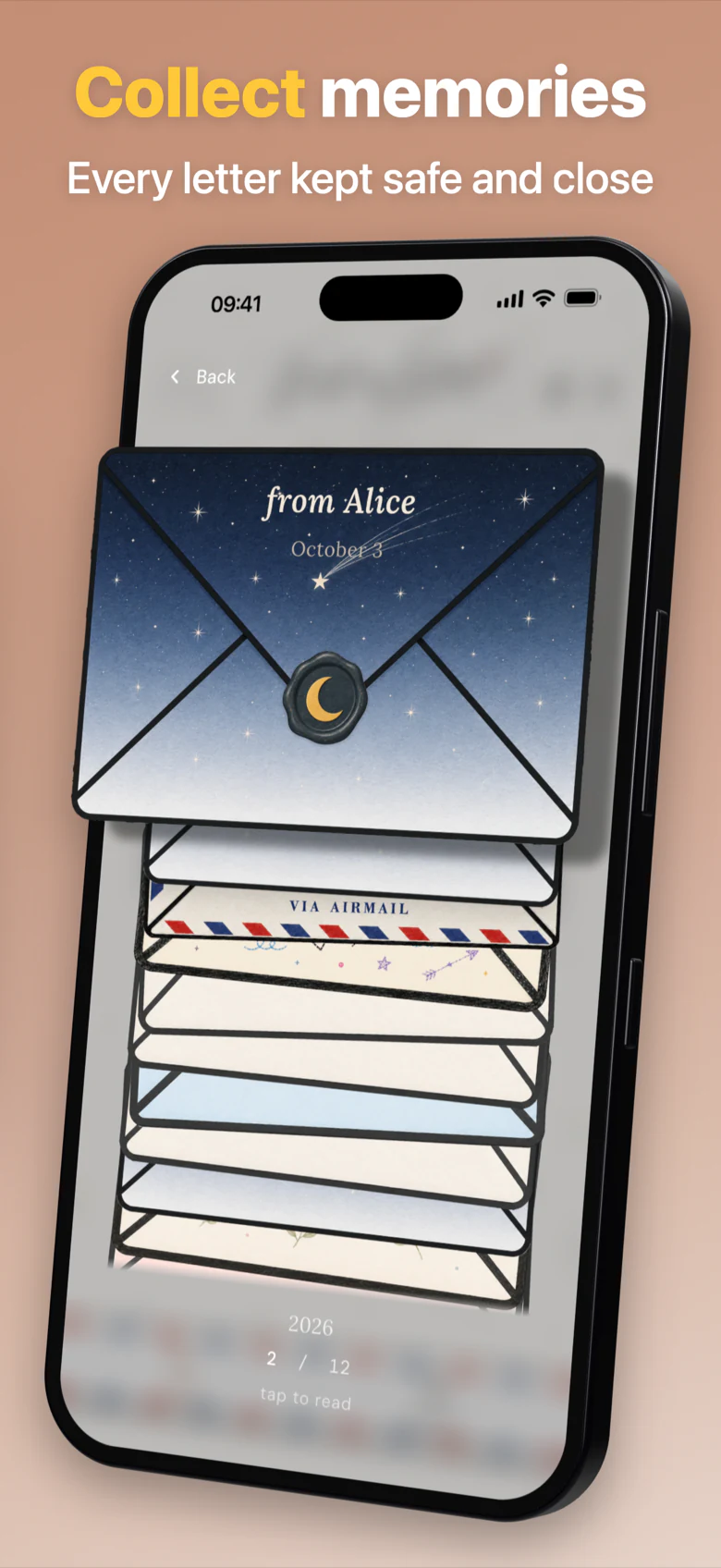
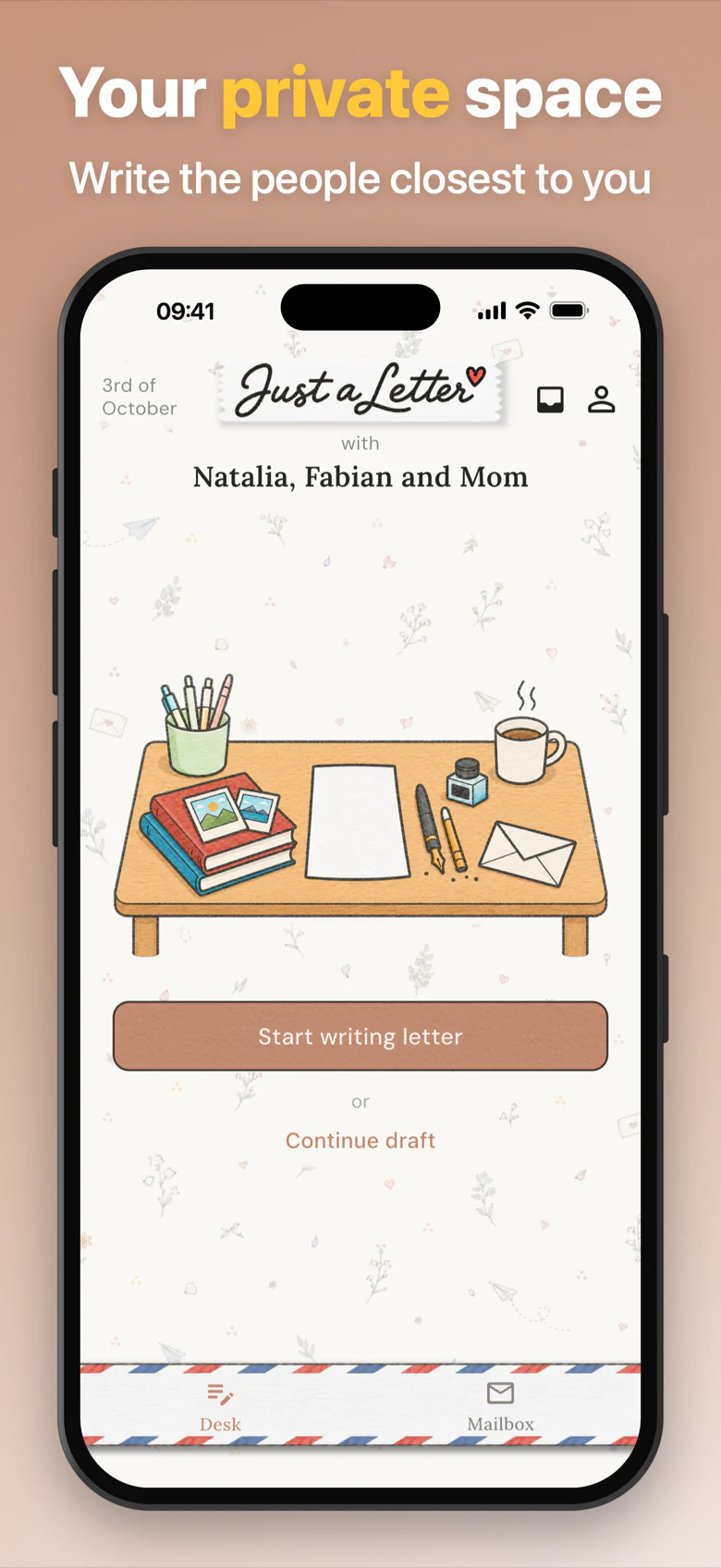
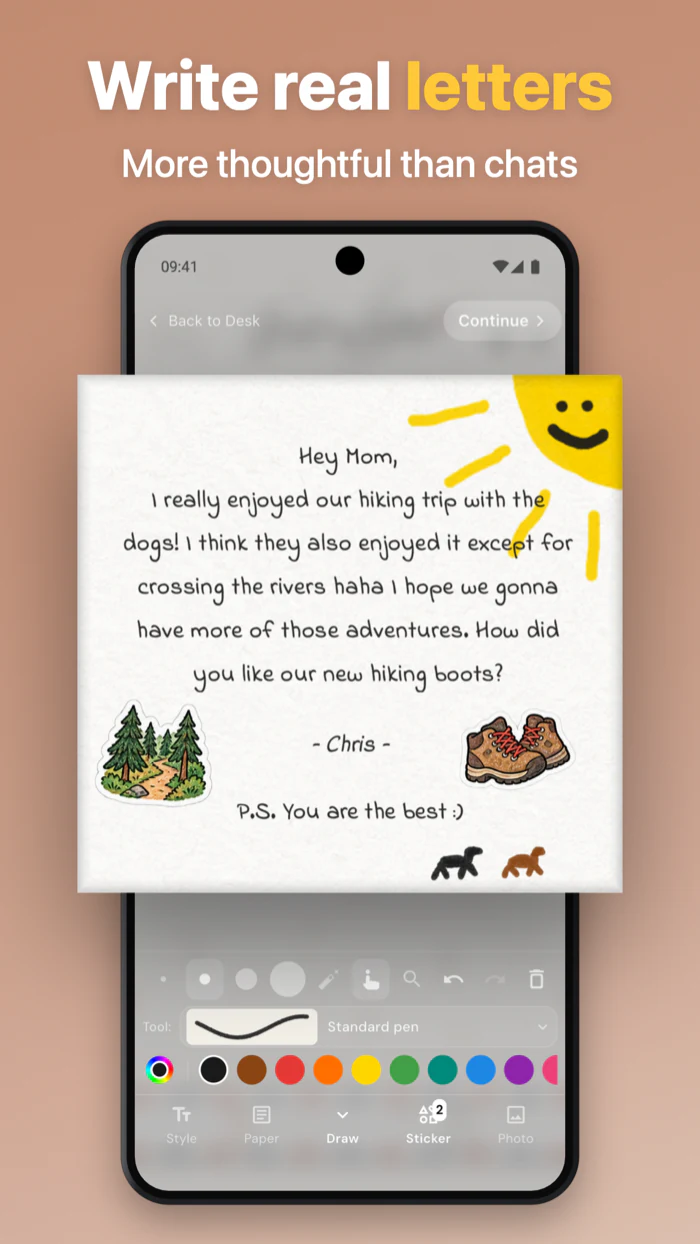
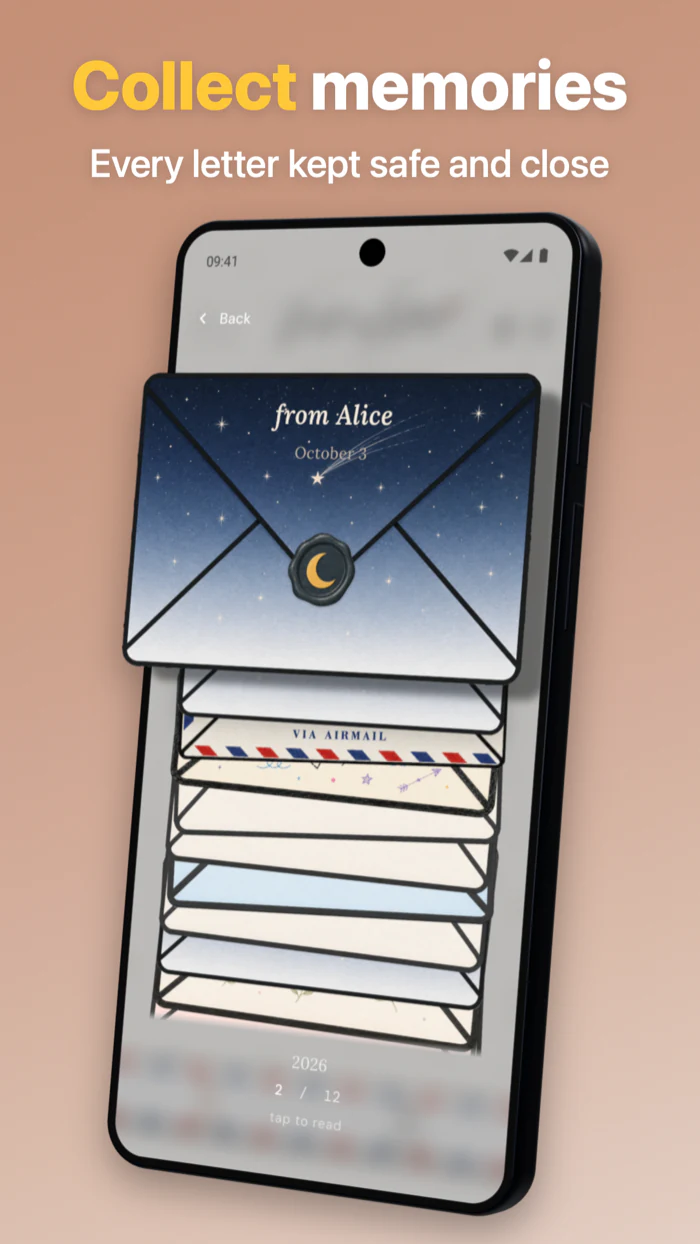
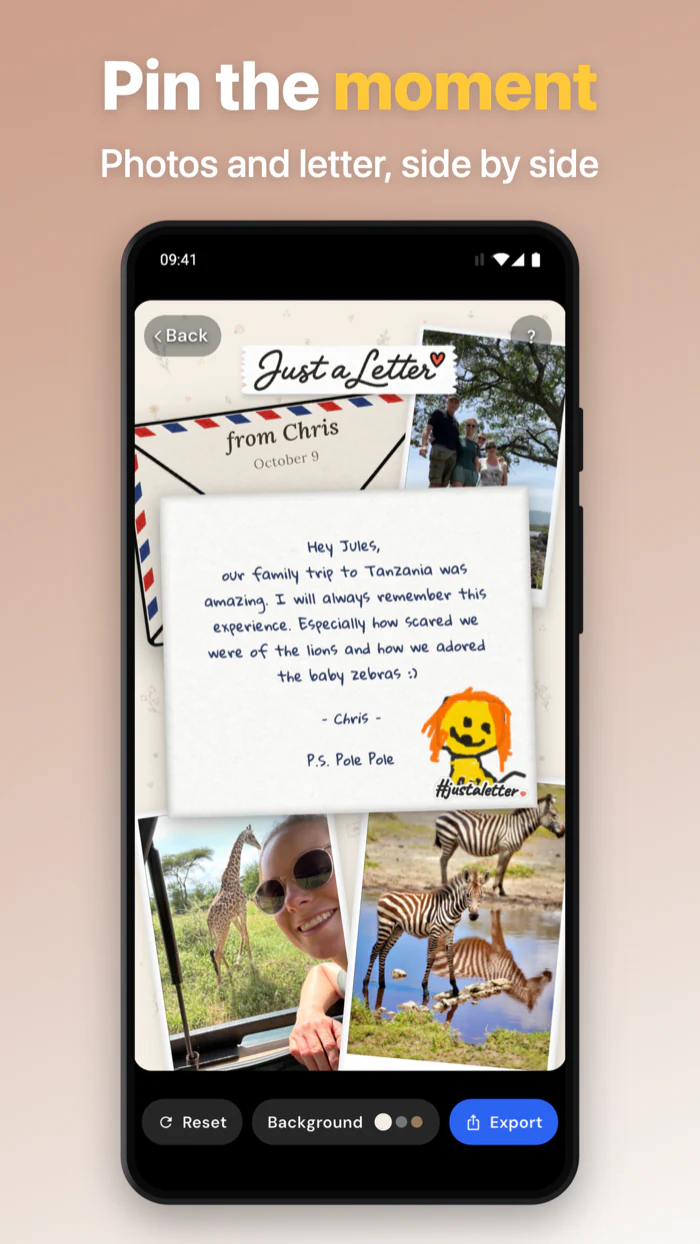
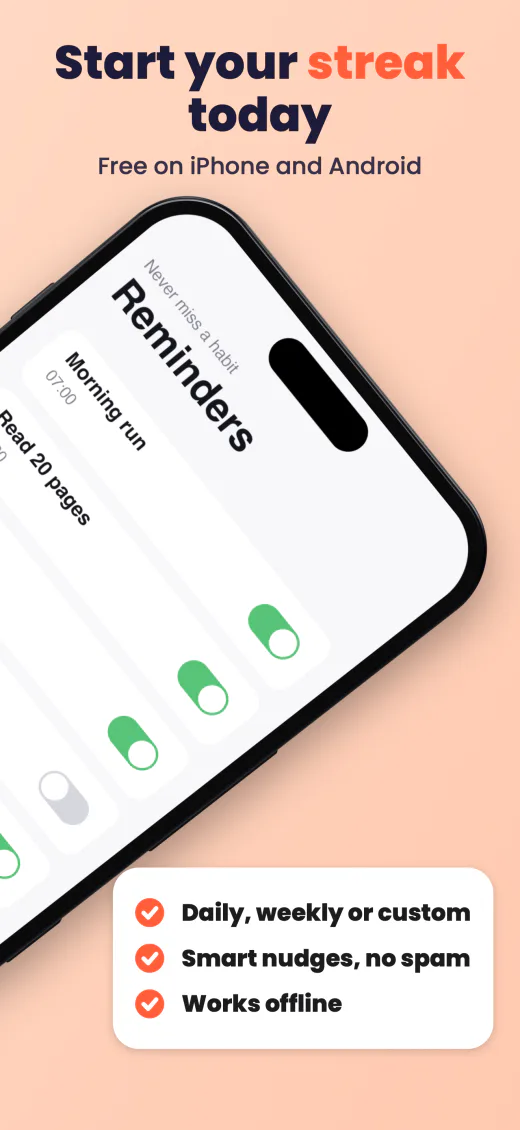
Just a Letter, a real app: screenshots and a store video for the App Store and for Google Play – all from the same HeroPane project.

iPhone screenshots and App Preview video

Just a Letter, App Store screenshot 1 Just a Letter, App Store screenshot 2 Just a Letter, App Store screenshot 3 Just a Letter, App Store screenshot 4

Everything a store listing needs

Built around the rules of App Store Connect and the Play Console.

Device frames

iPhone, iPad, Pixel, Apple Watch and Wear OS – with your own frame colors and status bar cleanup.

3D devices

Tilt and turn iPhone, iPad and Pixel freely for eye-catching hero shots.

Panoramas across screens

Backgrounds, phones, texts and elements that flow seamlessly from one screenshot to the next.

Every language

One project, 37 store languages including right to left. Translate your texts with the browser’s built-in translator (Chrome, Edge) and export every language in one ZIP.

Store videos

Turn a screen recording into an App Preview for iPhone and iPad or a Google Play video.

Magnifier and lift-out

Highlight details with a magnifier or lift objects out of the phone.

Clean status bar

Removes time, battery and notification icons from your screenshots, or paints a perfect 9:41 bar.

Badges, ratings and reviews

Laurel wreaths, star ratings, review cards, notifications and checklists – ready to drop in.

Store check

Checks image counts, sizes, text share and words the stores don’t want – before you upload.

Variants and reserve

Try a second version of a screen right next to the first and compare them. Park screens you are unsure about on the reserve bench – they are not exported.

Two devices per screen

Show a phone and a watch, or two phones, in one screen – each placed, sized and turned on its own.

Apple Watch and Wear OS

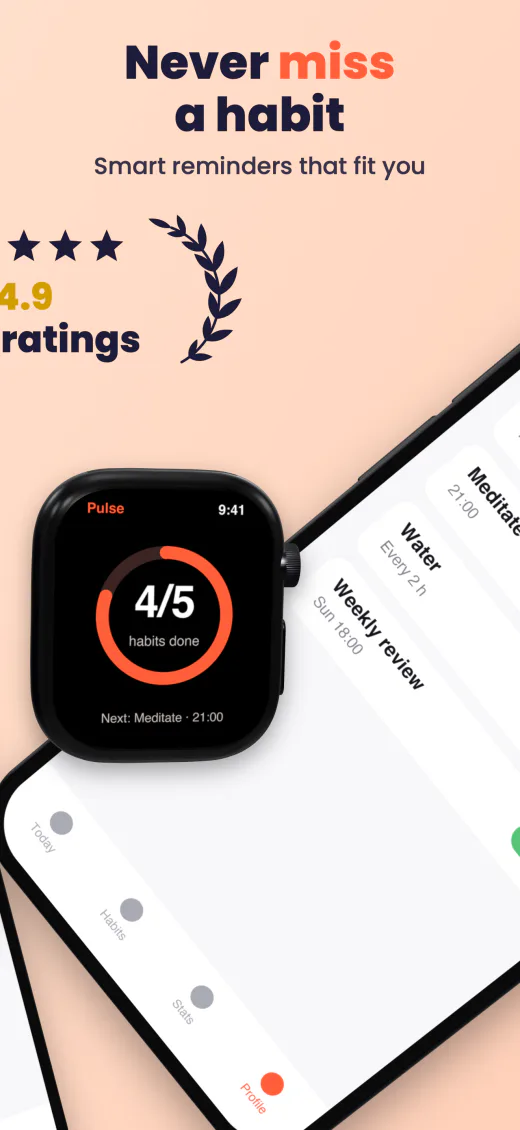
Watch store screenshots in the sizes the stores require, or the watch right beside your phone in a screen – also as a 3D model.

No account needed

No account. No upload. Just your browser.

Many online editors want you to sign up, upload your screenshots and keep your projects on their servers. HeroPane has none of that – there is no server that could hold your work.

Another example: Pulse

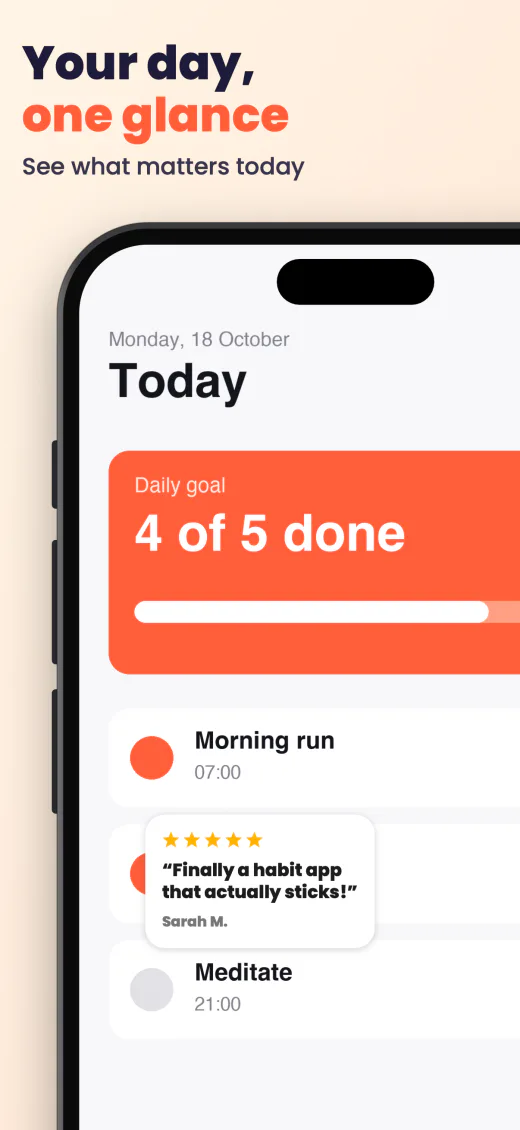
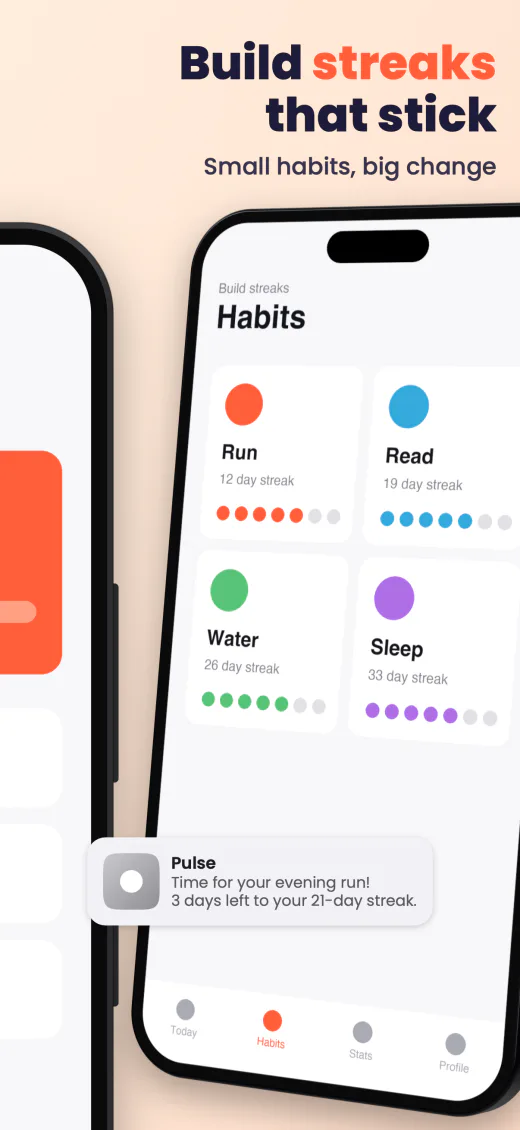
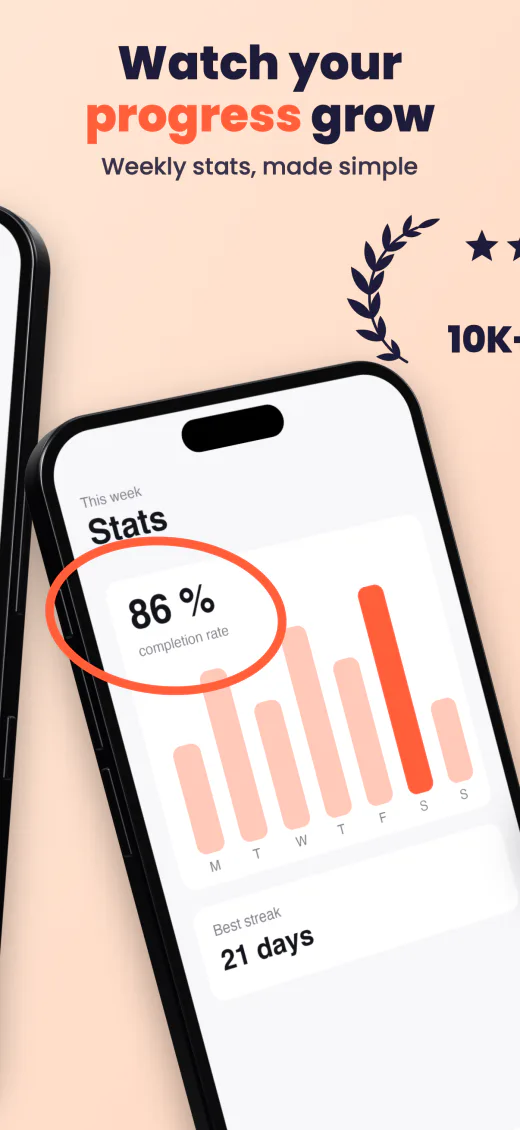
A demo set made in HeroPane. Screens don’t have to end at their edge: phones reach into the next screen and the background flows through the whole set.

Pulse demo set, screenshot 1 Pulse demo set, screenshot 2 Pulse demo set, screenshot 3 Pulse demo set, screenshot 4 Pulse demo set, screenshot 5

Questions

Is HeroPane free?

Yes. You can use HeroPane for free, without an account. It is built by one person; if it saves you time, you can support it with a coffee. Some advanced features may become a paid option in the future.

Do I need an account?

No. Open the workspace and start. There is no sign-up, no email and no password.

Where do my screenshots and projects go?

Nowhere. Everything stays in your browser’s storage on your device and is never uploaded to a HeroPane server. Save the project as a file to keep a backup or to move it to another computer.

Which sizes can I export?

iPhone 6.3″ and 6.9″, iPad 13″, Android phone 1080 × 1920 and the Google Play feature graphic 1024 × 500, plus App Preview and Google Play videos. Every image has the exact size and no alpha channel.

Can I make store listings in several languages?

Yes. One project holds any number of store languages, including right-to-left ones. Chrome and Edge can translate your texts with their built-in translator, and one ZIP contains every language.

Do I need design skills?

No. Drop in your screenshots, write a short headline per screen and let the Auto buttons size and place the phone. Everything can be fine-tuned by hand.

Which browsers work?

Current Chrome, Safari and Firefox. Video export needs a browser with WebCodecs and H.264, and the built-in text translation works in Chrome and Edge.

Ready for your next release?

Open the workspace and build your first set in minutes – free, right here in your browser.

Open workspace